Last Updated
October 2026
What We Collect
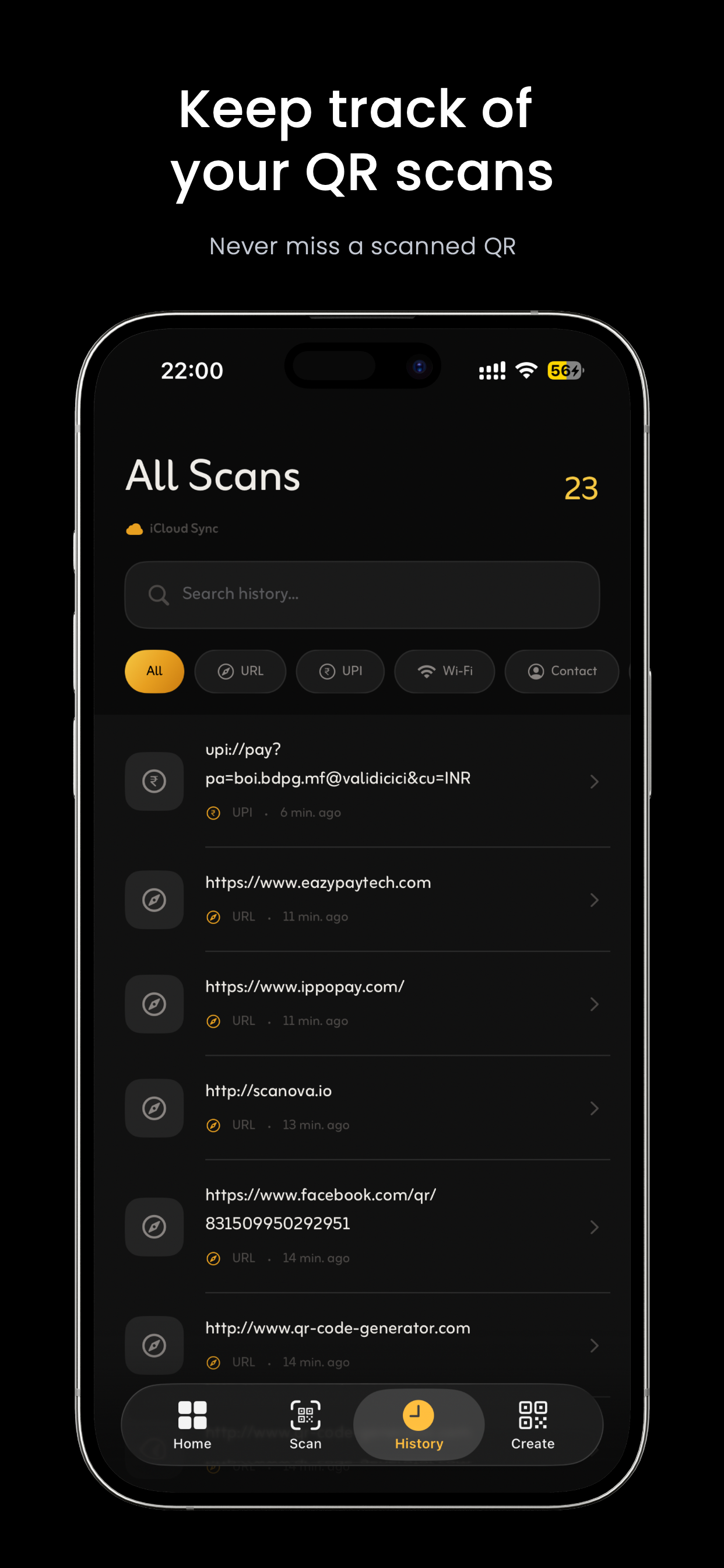
Qwickly stores your scan history locally on your device and, if enabled, in your personal iCloud account. We have no access to your iCloud data.
Camera Access
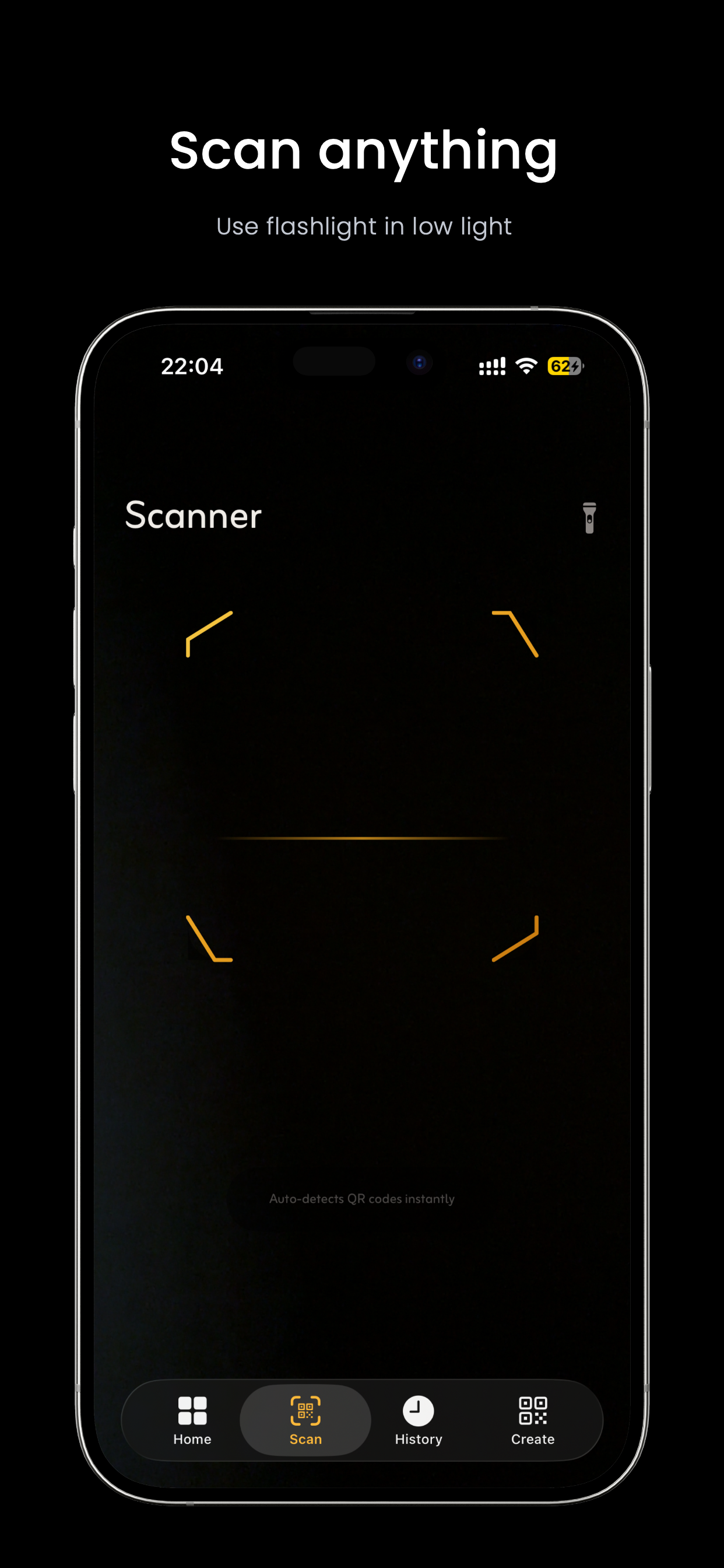
Camera permission is used solely to detect QR codes in real time. No images or video are stored, processed remotely, or transmitted anywhere.
Contacts & Photos
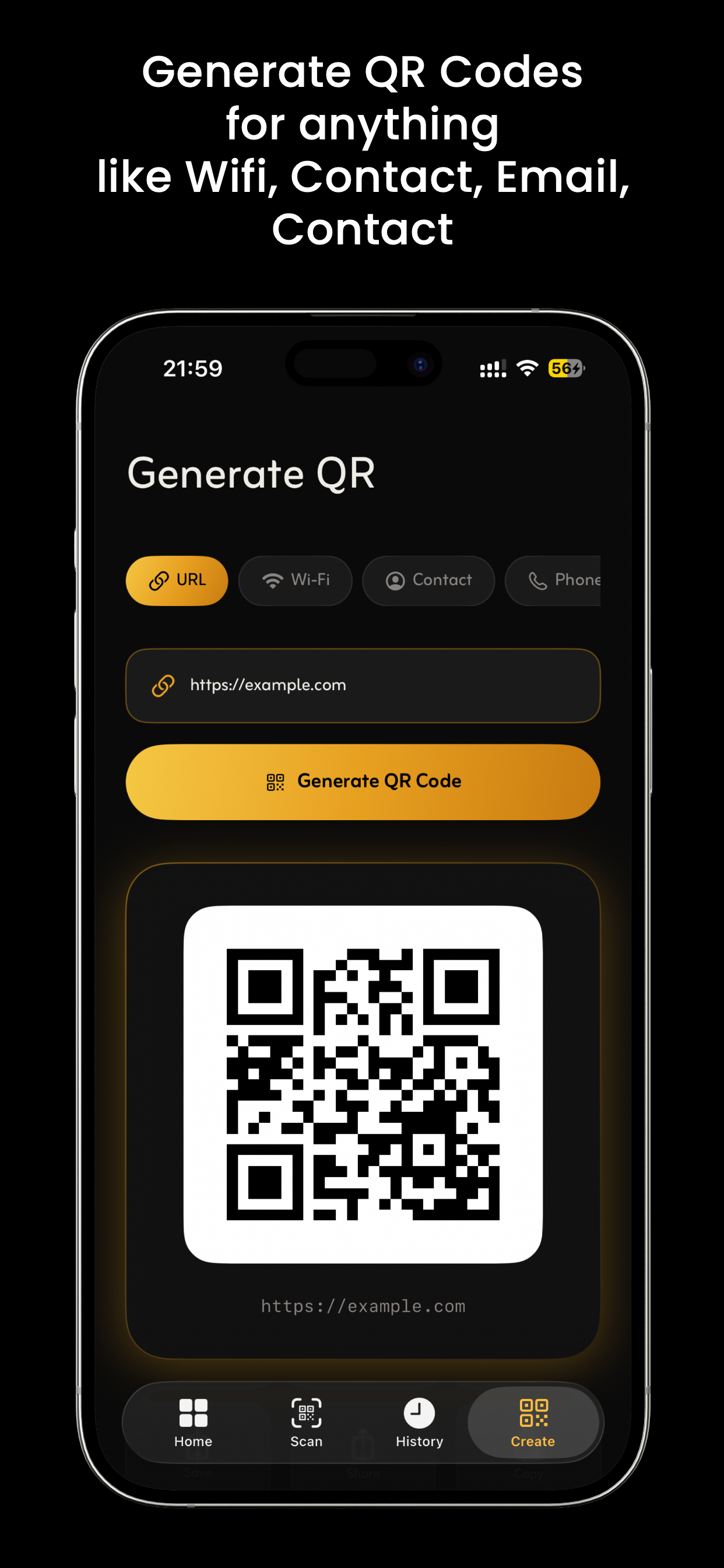
Contacts access is requested only when you save a vCard from a scanned QR code. Photos access is requested only when you save a generated QR image. Both are used exclusively for those single operations.
Analytics & Advertising
Qwickly contains no analytics SDKs, advertising libraries, or third-party tracking of any kind. We do not know how you use the app.
iCloud Sync
If you enable iCloud sync, your history syncs via Apple's CloudKit using your personal iCloud account. All data is encrypted in transit and at rest by Apple. We cannot access this data.
Data Retention
All data resides on your device or in your iCloud. Deleting the app removes all local data. Disabling iCloud sync removes cloud data on the next sync.
Contact
Privacy questions: erankush13@gmail.com
Last Updated
October 2026
Acceptance
By downloading or using Qwickly, you agree to these terms. If you do not agree, please uninstall the app.
Permitted Use
- Personal, non-commercial use of the application
- Scanning QR codes you are authorised to scan
- Generating QR codes for lawful content
Prohibited Use
- Scanning QR codes to facilitate fraud, phishing, or harm
- Reverse engineering or modifying the application
- Using the app in violation of any applicable law or regulation
- Distributing malicious QR codes using the generator feature
Disclaimer
Qwickly is provided "as is" without warranty of any kind. We are not liable for actions taken based on content obtained via scanned QR codes.
Changes
We may update these terms at any time. Continued use of the app after changes constitutes acceptance of the updated terms.
Contact
erankush13@gmail.com